

Staging Instances
A staging instance is a copy of a production instance, with its data. Use it to try new modules, test code from a branch, or check a backup restore, without touching production.
Needs a subscription
Staging copies need an active subscription on the production instance. They are not available during the free trial.
Create a Staging Copy
- Open the production instance.
- In the sidebar, select + next to Staging.
- In Create a staging instance, enter a name for the copy.
- Select Create.
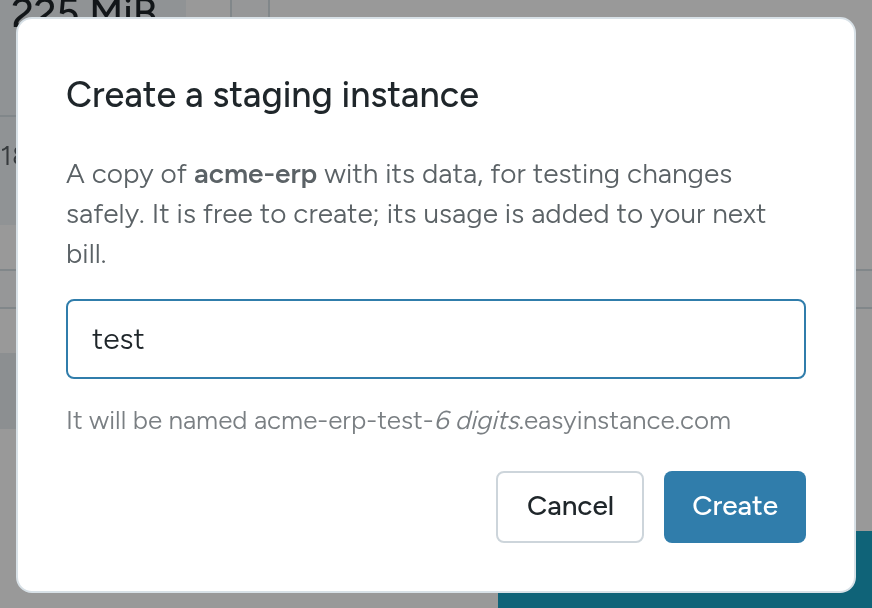
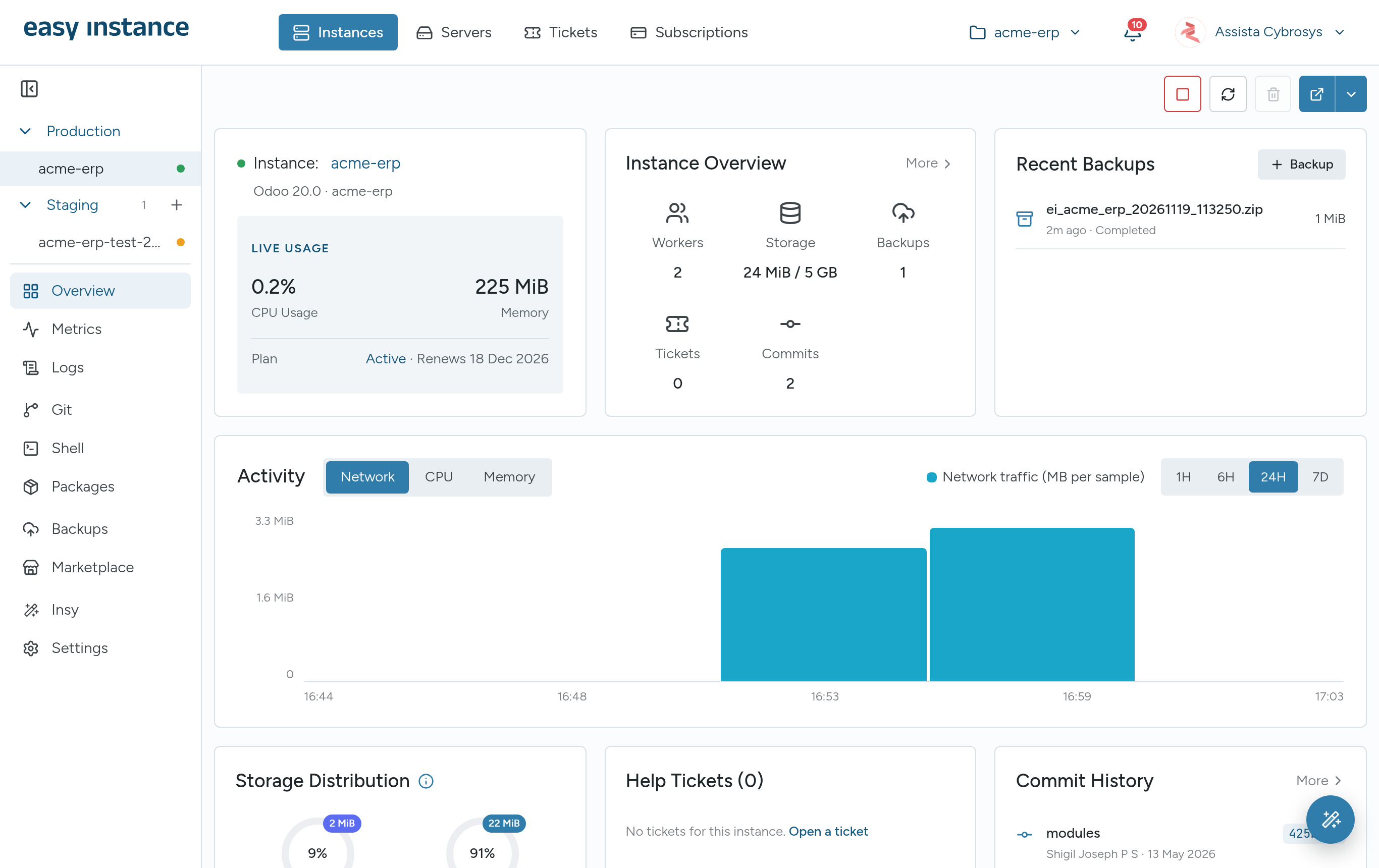
The copy is named after the production instance, your name and a number, for example acme-erp-test-230012, and appears under Staging in the sidebar.
Use a Staging Copy
A staging copy has the same tabs as production. Select it in the sidebar to open it. In the Instances list, switch the stage menu to Staging or All stages to see staging copies.
Cost
On a standard self-serve plan, staging copies are free to create; their usage is added to your next bill. Agreed and dedicated plans have their own staging terms; see Subscriptions and Billing.