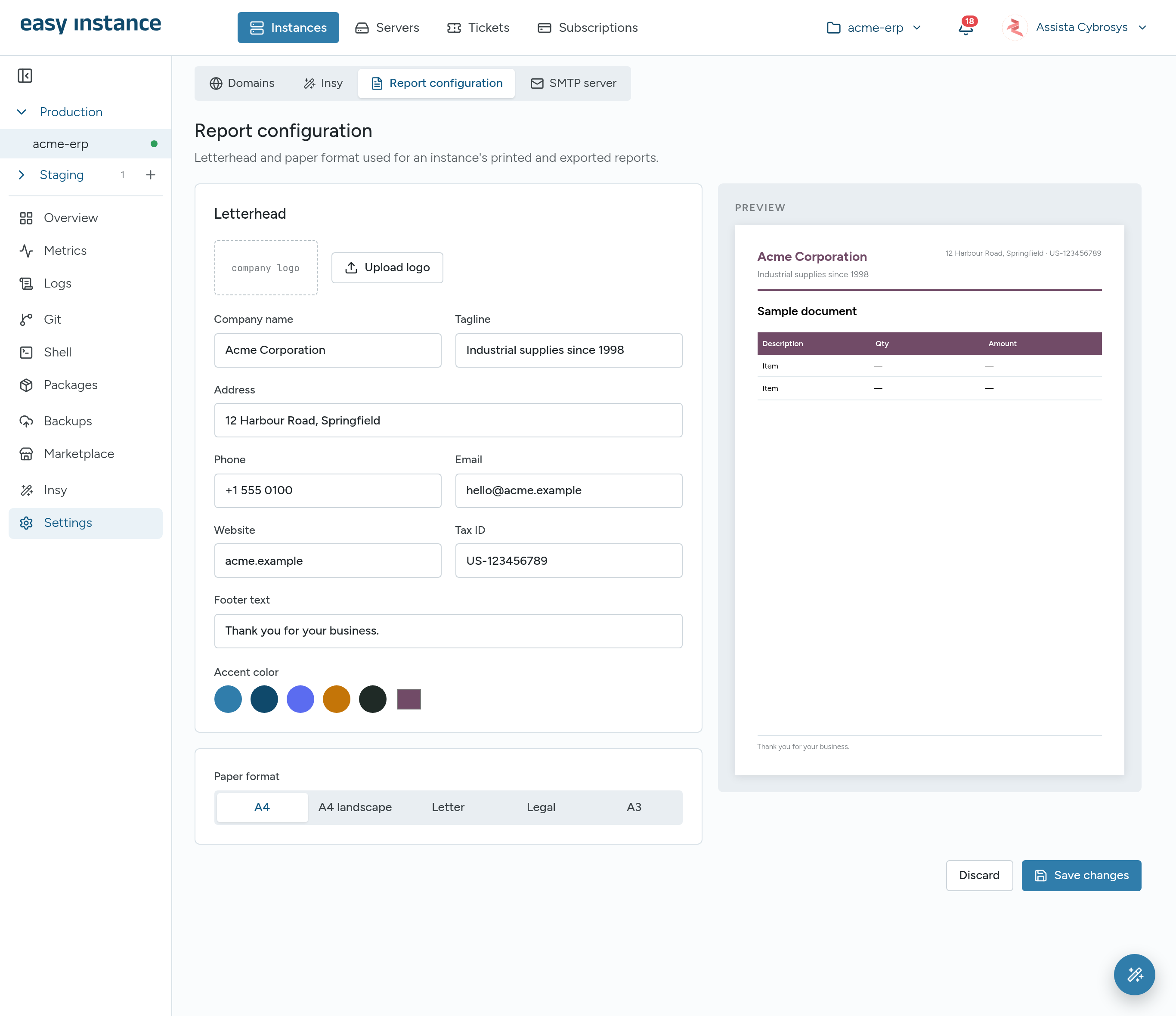
Report Configuration
Report configuration sets the letterhead and paper format for an instance's printed and exported reports, including Insy reports.
- Open the instance and select Settings, then Report configuration.
- Under Letterhead:
- Select Upload logo and choose your logo. It must be under 1.4 MB.
- Fill in Company name, Tagline, Address, Phone, Email, Website, Tax ID and Footer text.
- Choose an Accent color.
- Choose the Paper format: A4, A4 landscape, Letter, Legal or A3.
- Check the PREVIEW on the right as you go.
- Select Save changes.