

Git and Custom Modules
Link a GitHub repository to an instance and deploy your custom modules from it. Pushes to the chosen branch sync to the instance automatically, and the modules appear in Odoo's Apps.
Link a Repository
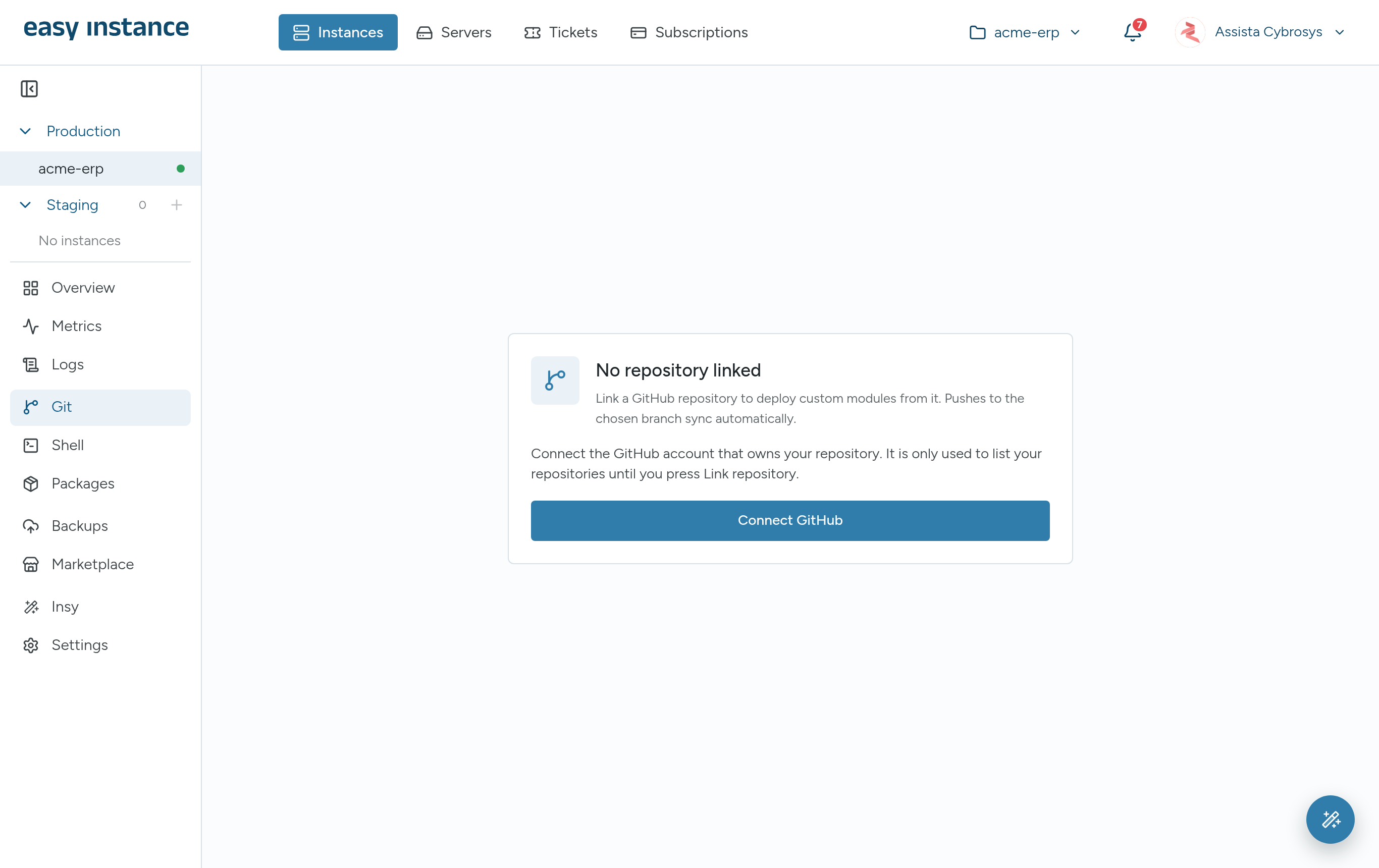
You can link a repository in step 3 of the new instance wizard, or at any time from the Git tab.
Open the instance and select Git.
Select Connect GitHub and sign in to the GitHub account that owns your repository. Easy Instance only uses this connection to list your repositories until you link one.
Pick an existing repository, or choose Create new repository.
Choose the branch to deploy from.
Select Link repository.
To pick a repository from another GitHub account, select Use a different account.
Repository Layout
Put each Odoo module in its own folder at the top of the repository, with its __manifest__.py:
my-addons/
├── my_module/
│   ├── __init__.py
│   └── __manifest__.py
└── another_module/
    ├── __init__.py
    └── __manifest__.py
How Syncing Works
- Every push to the tracked branch syncs to the instance automatically, and the modules are registered in Odoo's Apps list.
- Sync now pulls the tracked branch straight away and registers its modules.
- Each sync restarts the instance so Odoo picks up the changes. Users may notice a short pause.
- Install a synced module from Odoo's Apps, or from the Marketplace tab's Downloads, where it is tagged Linked repository.
The Git Tab
Once a repository is linked, the Git tab shows:
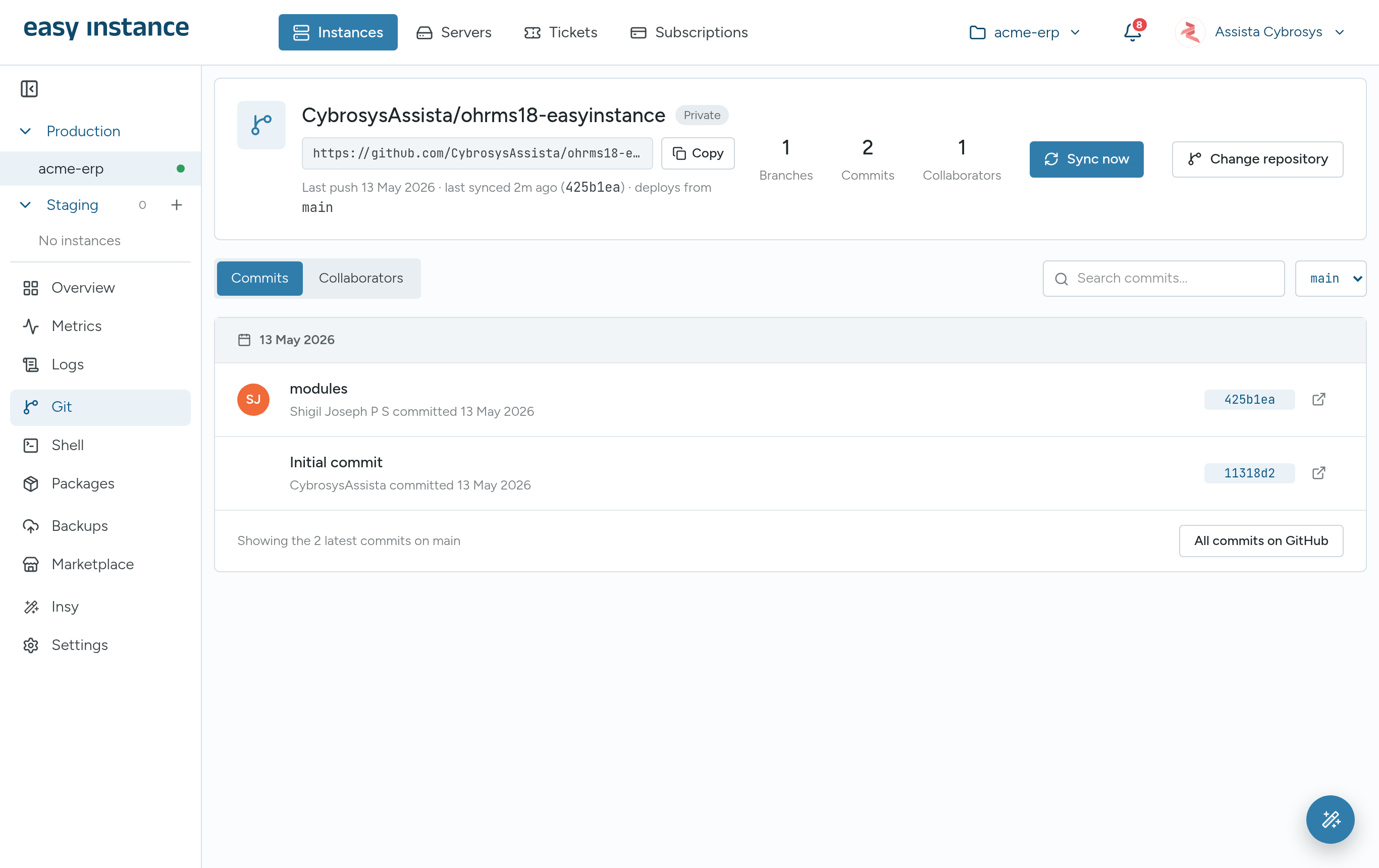
- The repository name, whether it is private or public, and its clone URL with Copy.
- When it was last pushed and synced, the commit, and the branch it deploys from.
- Counts of branches, commits and collaborators.
Commits
The commits view lists recent commits, with Search commits... and a link to All commits on GitHub.
Change the Branch
Use the branch selector to choose another branch to deploy from. Confirm with Switch and sync; the instance pulls the new branch straight away.
Change the Repository
Select Change repository to link a different repository.