

Profile and Notifications
Profile
Open the menu under your name at the top right and select Profile settings.
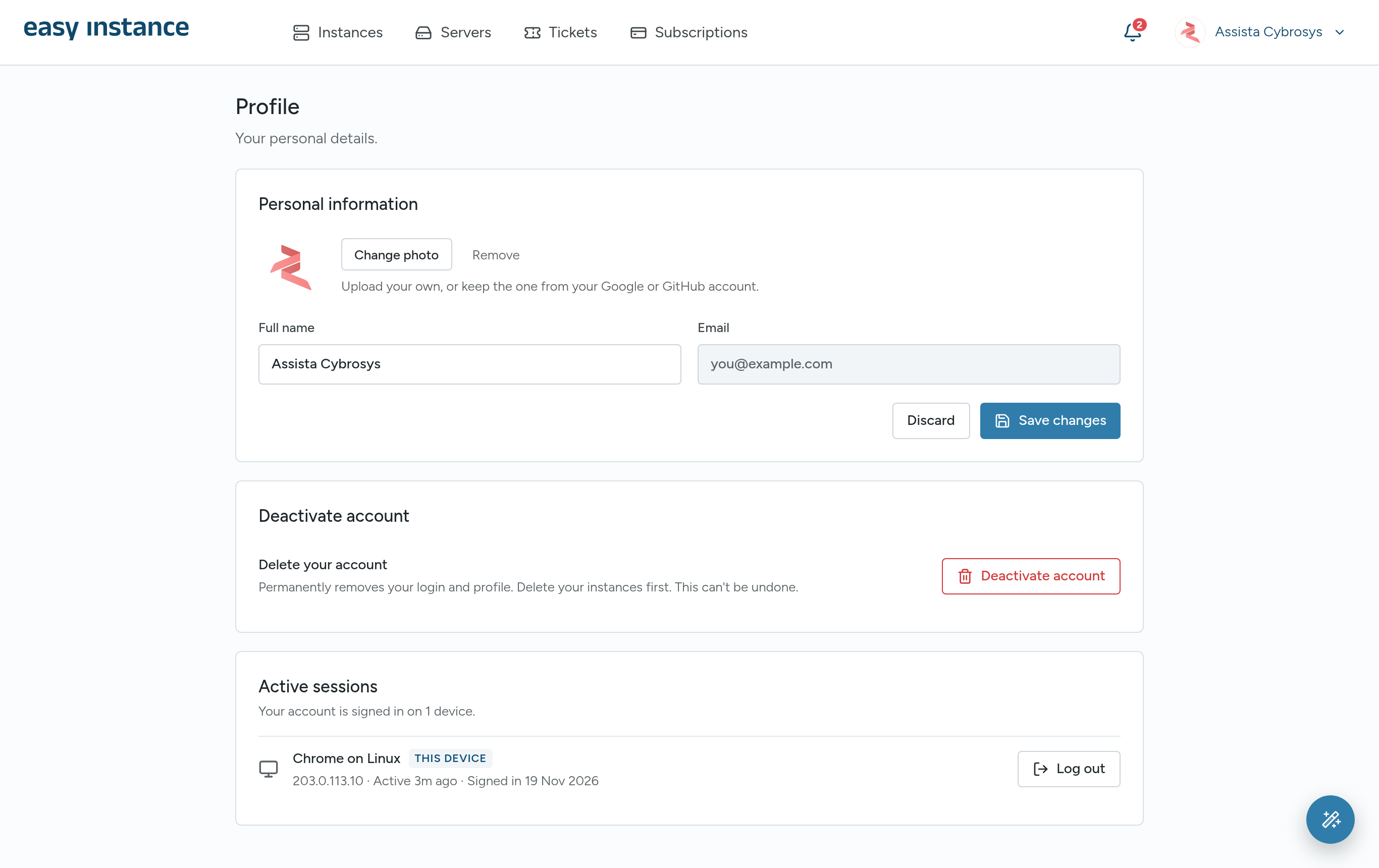
- Personal information: select Change photo to upload a picture, or keep the one from your Google or GitHub account. Edit your Full name and select Save changes. Your email cannot be changed here.
- Password: if you sign in with email, enter your Current password, a New password and Confirm new password, then select Update password.
Active Sessions
Active sessions lists every device signed in to your account, with its browser, IP address and when it was last active.
- Select Log out next to a device to sign it out.
- Select Log out other devices to sign out everywhere except the device you're using.
Changing your password also signs out your other sessions.
Notifications
The bell at the top right shows your notifications, such as an instance being created or a package being installed.
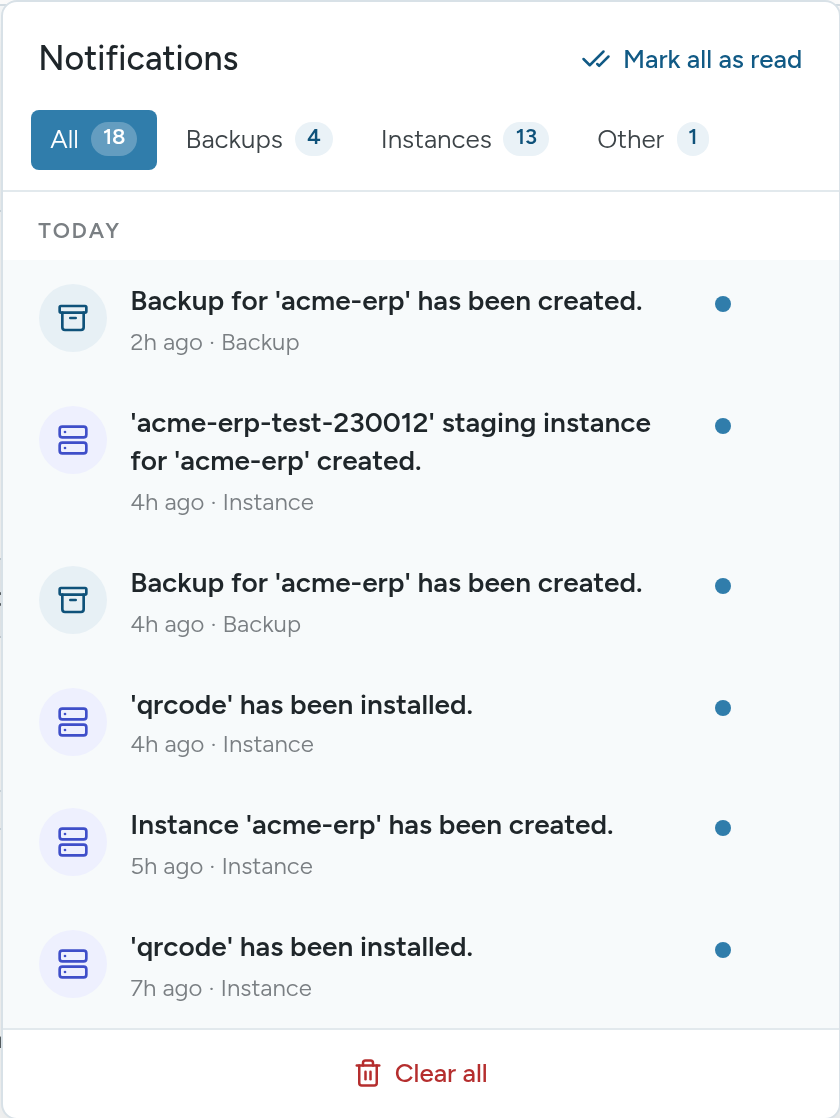
- Filter by All, Backups, Instances or Other.
- Mark all as read clears the unread markers.
- Remove a single notification with the button on its row.
- Clear all removes them all.
Delete Your Account
DANGER
Deleting your account permanently removes your login and profile. It can't be undone. Delete your instances first.
- In Profile settings, under Deactivate account, select Deactivate account.
- In Delete your account?, type your email address and select Send code.
- Enter the 6-digit code from your inbox and select Delete account.