

Back Up to SFTP or FTP
Easy Instance can copy your Odoo backups to a server of your own over SFTP or FTP. Use SFTP when you can: it encrypts the connection, while plain FTP does not.
Before You Start
- A server that accepts SFTP (port 22) or FTP (port 21) logins.
- A username and password for it.
- A folder on the server for the backups, which that user can write to.
Add the Destination
- Open the instance and select Backups.
- Select Add destination.
- Enter a Name and choose SFTP or FTP as the Destination.
- Fill in the connection:
- Host: the server's address, for example
backup.example.com. - Port: 22 for SFTP, 21 for FTP, unless your server uses another port.
- Username and Password.
- Remote folder: the folder for the backups, for example
/backups/odoo.
- Host: the server's address, for example
- Select Test connection.
- Set the Frequency and Keep (days), and the options. See Schedule and Options.
- Select Save destination.
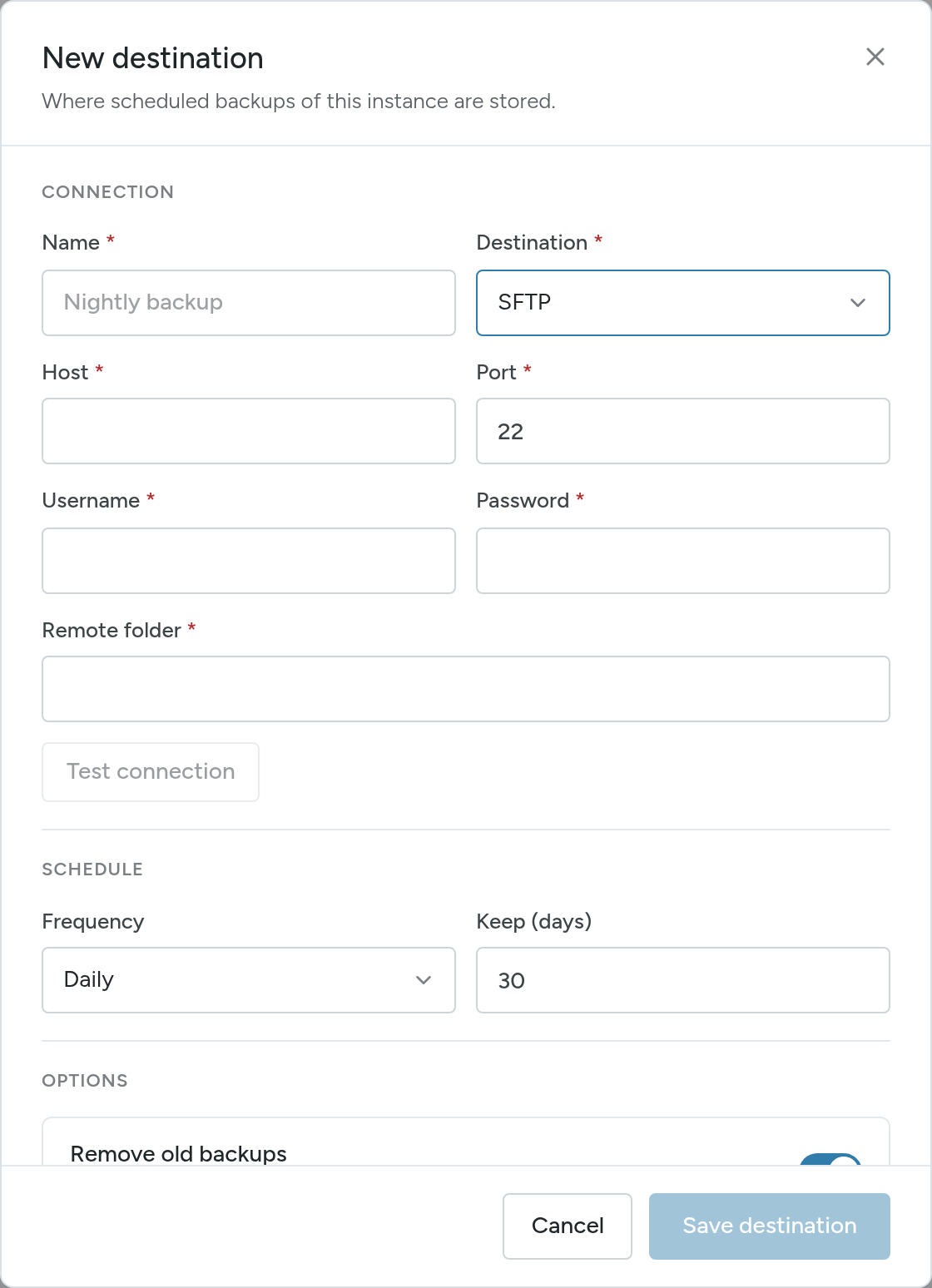
You can also add an SFTP or FTP destination in step 5 of the new instance wizard.
Check It Works
Select Create Backup, choose the destination and confirm. When the backup completes, check the remote folder on your server.