

Back Up to Google Drive
Easy Instance can copy your Odoo backups to your Google Drive. There is nothing to set up in Google Cloud: you connect your Google account and allow access.
Backups go to an Easy Instance Backups folder that Easy Instance creates in your Drive. Easy Instance can only access the files it creates.
INFO
Add Google Drive from the instance's Backups tab once the instance is running. It is not offered in the new instance wizard.
Connect Google Drive
- Open the instance and select Backups.
- Select Add destination.
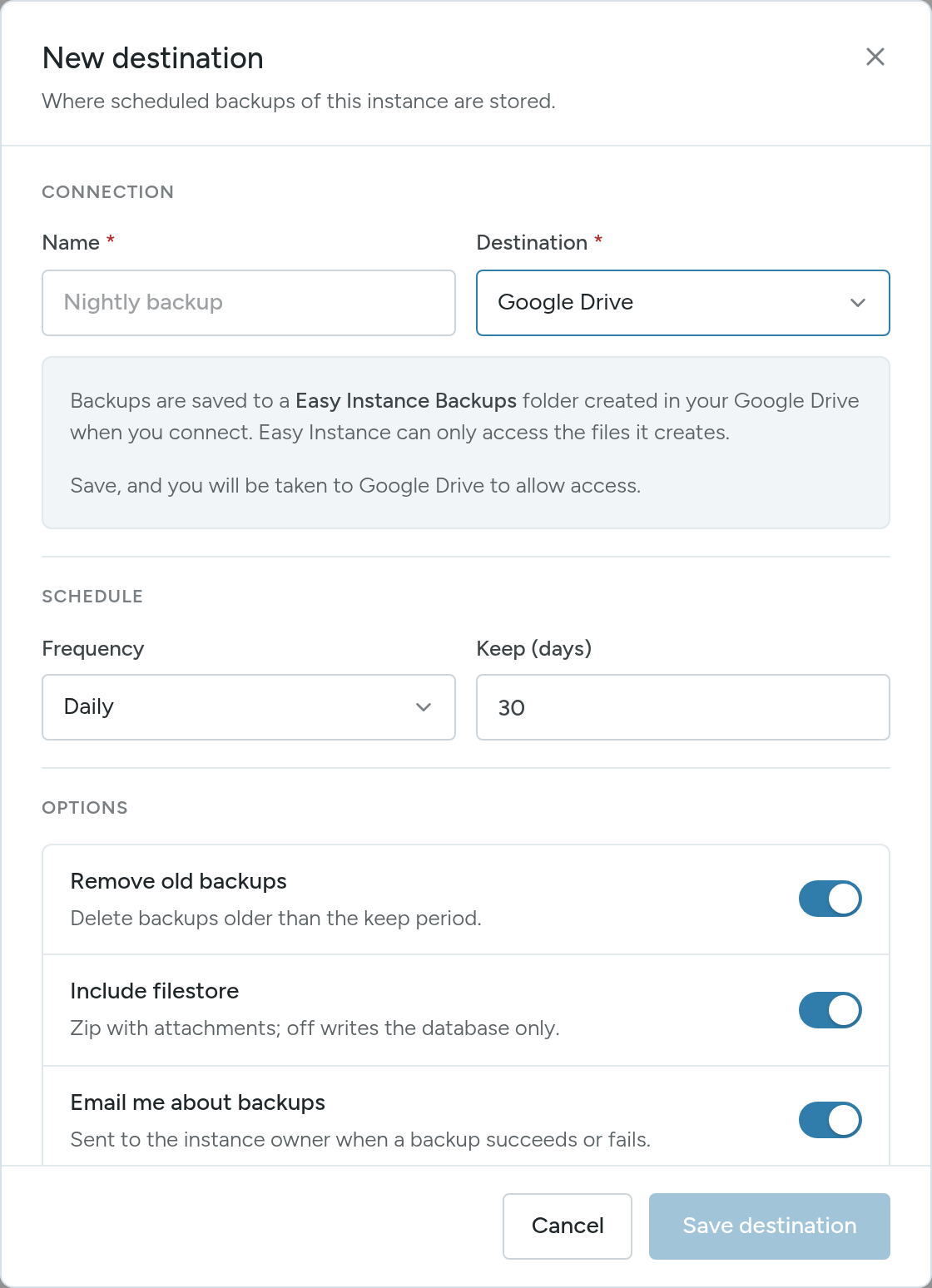
- Enter a Name and choose Google Drive as the Destination.
- Set the Frequency and Keep (days), and the options. See Schedule and Options.
- Select Save destination. You are taken to Google.
- Choose your Google account and allow access. You return to the Backups tab, and the destination is listed as active.
Check It Works
Select Create Backup, choose the Google Drive destination and confirm. When the backup completes, open Google Drive and look in the Easy Instance Backups folder.