

Sign Up and Sign In
Create an Account
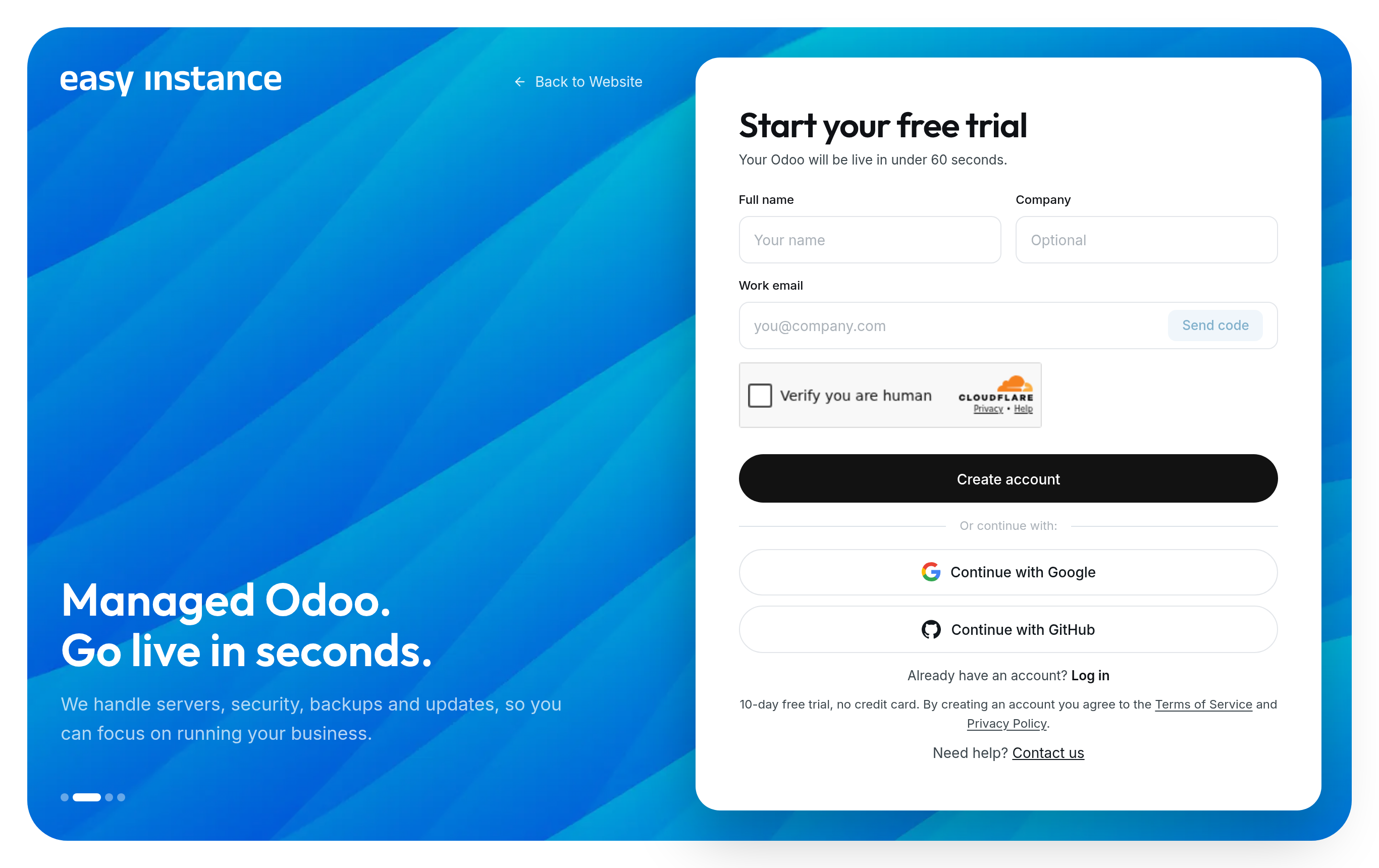
- Go to easyinstance.com and select Start free trial.
- Sign up in one of three ways:
- Continue with Google
- Continue with GitHub
- Email: enter your Full name, your Company (optional) and your Work email, then select Send code. Enter the 6-digit Verification code from your inbox and select Verify.
- For an email account, choose a Password and enter it again in Confirm password. It needs 8 or more characters, with upper and lower case letters, a number and a symbol.
- Select Create account.
You land on your workspace, which reads Your workspace is ready until you create your first instance.
Free trial
Every new instance starts on a 10-day free trial with no credit card. A trial instance has 1 vCPU, 2 GB RAM and 10 GB storage, with SSL, daily backups, monitoring and Insy included.
Sign In
Go to easyinstance.com and select Dashboard, or open easyinstance.com/sign-in.
Enter your Email and Password and select Log in, or use Continue with Google or Continue with GitHub.
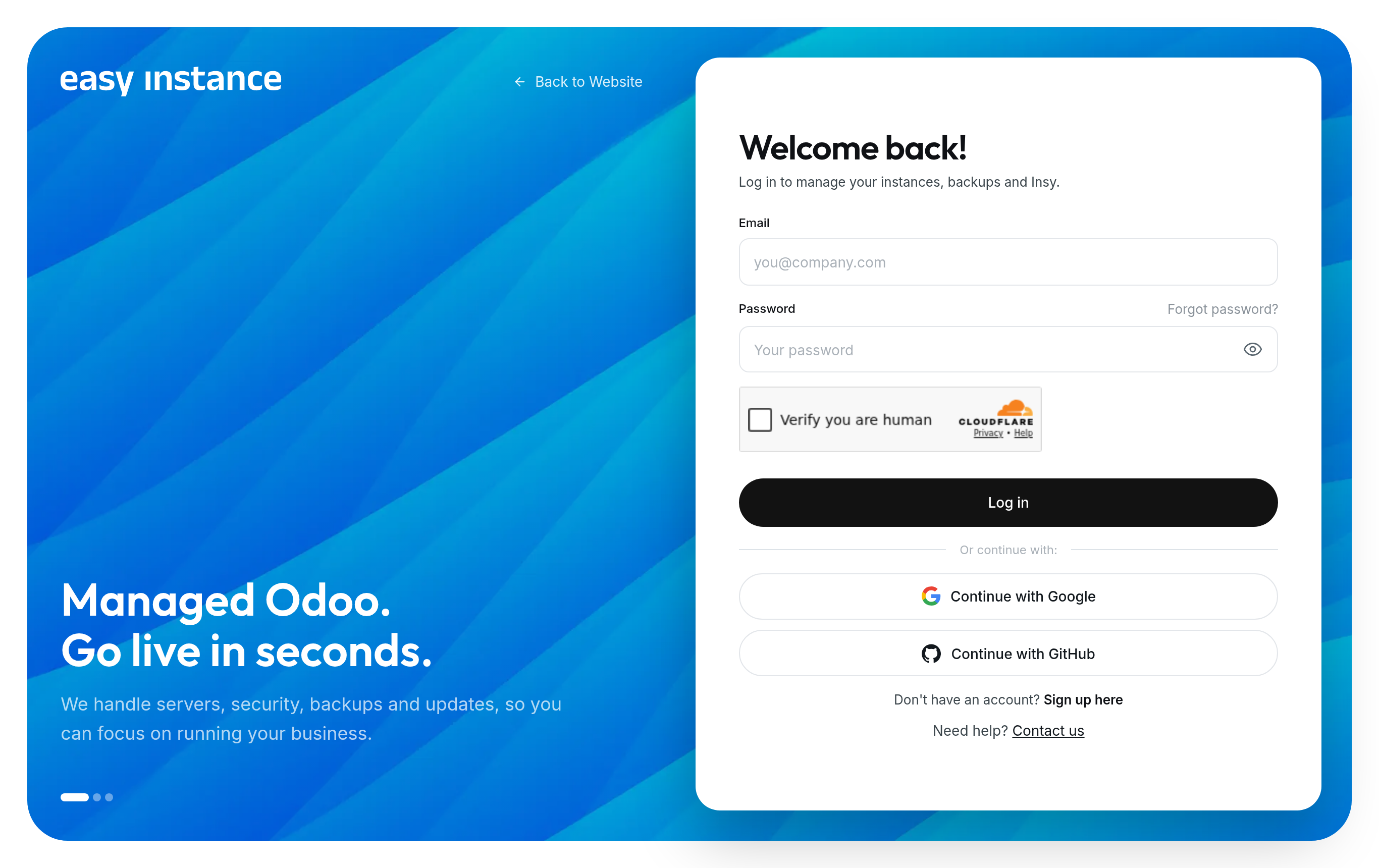
If your account has two-step verification, enter the 6-digit Authentication code from your authenticator app.
Reset Your Password
- On the sign-in page, select Forgot password?.
- Enter your account email and select Send reset link.
- Open the link in the email and choose a new password.